
Official statement
Other statements from this video 22 ▾
- 2:37 Is interlinking multiple web projects risky for SEO?
- 3:41 Does the hreflang attribute really influence the ranking of your international pages?
- 6:00 Does geotargeting really affect your site's local ranking?
- 10:21 Have links really lost their importance for ranking?
- 13:12 Do social signals really influence Google rankings?
- 13:26 Does Mobile First Indexing really work without mobile optimization?
- 13:44 Why isn't your site regaining its ranking after a manual penalty has been lifted?
- 14:34 How does Google really choose the canonical version of a page when faced with duplicate content?
- 16:15 Does Google Cache really reveal the mobile-desktop differences that affect your ranking?
- 19:34 Should you really implement hreflang on all multilingual sites?
- 23:41 Does the canonical tag really override all your product variations?
- 25:10 Can Google really exclude your pages from results because of soft 404s?
- 25:20 Can soft 404 pages for out-of-stock products really hurt your rankings?
- 27:12 Do social signals really affect organic search rankings?
- 29:38 Do links to a canonicalized page lose their SEO value?
- 31:44 Are canonical tags and headers rendered in JavaScript truly ignored by Google?
- 36:40 Should you still optimize the length of your meta descriptions for Google?
- 50:01 Can you block MP4 video files in robots.txt without risking SEO penalties?
- 60:20 Should you really optimize the length of your meta descriptions?
- 70:24 Why does Search Console show some resources as blocked when they're supposed to be accessible?
- 73:40 Does Google really index raw JSON responses?
- 75:16 Does the initial static HTML of a SPA determine its indexing?
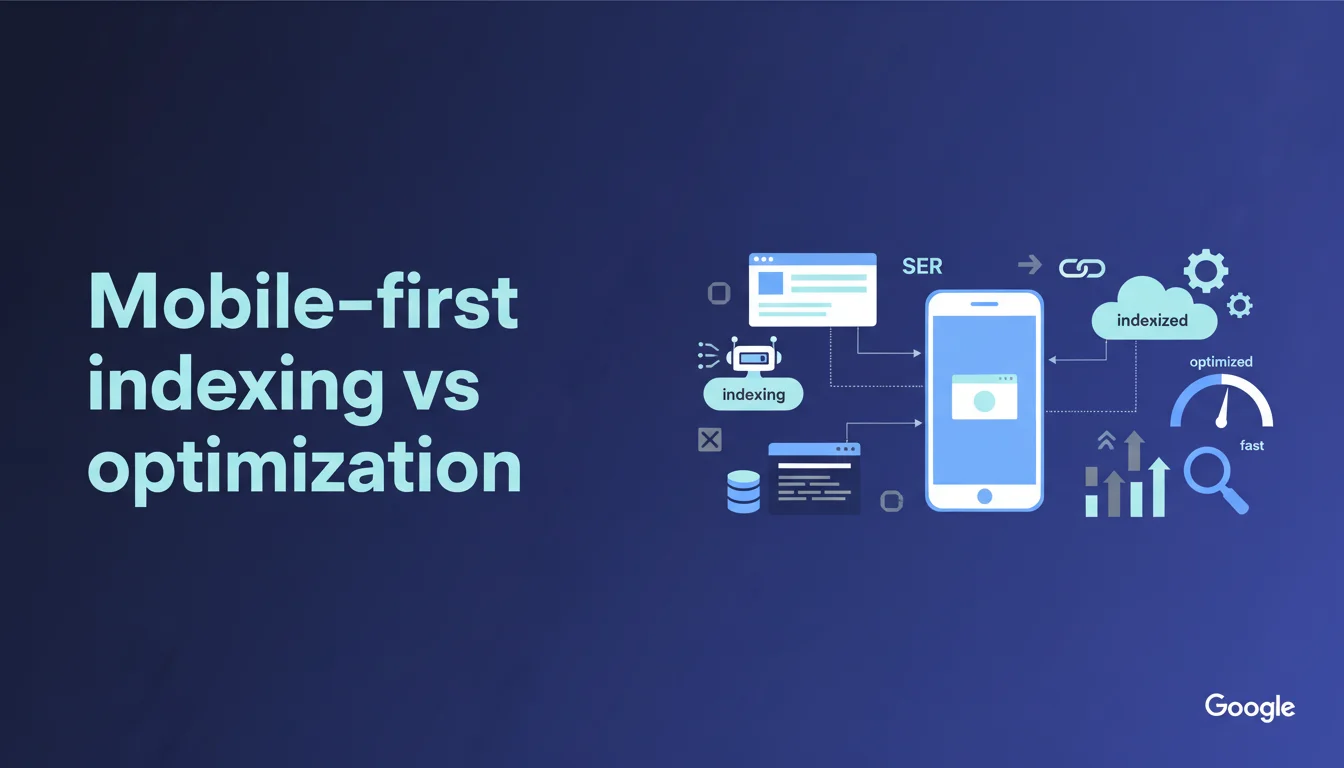
Google indexes the mobile version of your site regardless of its actual level of optimization. A desktop and mobile site that are strictly identical do not suffer any disadvantages in indexing. The real question is about ranking: mobile-first indexing does not guarantee a good position if the mobile experience is poor.
What you need to understand
What is the difference between mobile indexing and mobile optimization?
Google makes a distinction here that many still confuse. Mobile-first indexing simply means that Googlebot crawls and indexes the mobile version of your site as a priority, even if it exists. It is a pure technical process concerning data collection.
Mobile optimization, on the other hand, measures the quality of the user experience on smartphones: speed, ergonomics, touch navigation, font sizes. These are two distinct mechanisms that do not operate at the same level in Google's algorithm.
What happens if desktop and mobile are identical?
The statement is clear: no difference in indexing. If your site serves exactly the same HTML on desktop and mobile (responsive design, for example), Google indexes this unique content without penalty. No duplication, no favoritism.
The catch? Many interpret “no difference in indexing” as “no SEO impact.” Wrong. Indexing captures the content, but ranking incorporates mobile UX signals through Core Web Vitals, usability tests, and other factors.
Does Google punish poorly optimized sites for mobile?
No, not in indexing. Yes, in ranking. If your crawled mobile version contains all the necessary content, it will be indexed. But if this version loads in 8 seconds, displays tiny buttons, and requires constant zooming, engagement signals will harm your positions.
Google does not say “optimize or disappear.” It says “I will index what you give me, no matter its quality.” The penalty comes elsewhere, in the ranking algorithms that prioritize actual user experience.
- Mobile-first indexing = choice of the crawled version (mobile over desktop)
- Mobile optimization = quality of the experience on smartphone (speed, UX, ergonomics)
- Identical desktop/mobile content = no indexing penalty
- Ranking remains sensitive to mobile UX signals (Core Web Vitals, usability)
- A poorly optimized site can be perfectly indexed but poorly ranked
SEO Expert opinion
Is this statement consistent with real-world observations?
Yes, completely. Since the widespread shift to mobile-first, it has been noted that purely responsive sites adjusted in CSS do not lose visibility compared to dedicated mobile versions, provided the content remains identical. Google indexes everything present in the mobile DOM, even if the display is poor.
However, be cautious with sites that hide desktop content on mobile (accordions, tabs that are not opened by default). Google indexes what it sees in the crawled DOM, not what is hidden by default. If your mobile version hides entire sections, they may no longer count for ranking. [To verify] on a case-by-case basis with Search Console and Mobile-Friendly Test.
Where does this rule become misleading?
Google plays with words. Saying “no difference in indexing” implies that mobile optimization does not matter. This is technically true for indexing, but misleading for overall ranking. An unoptimized mobile site suffers in positions due to UX signals, high bounce rates, and disastrous Core Web Vitals.
Another point: many sites serve different content depending on the device (m-dot, dynamic serving). In these cases, Google indexes the mobile version only. If this mobile version is lightened or impoverished compared to desktop, you lose indexable content. Google does not say this here, but it is implicit.
What errors still need to be corrected despite this statement?
Error #1: Believing a desktop-only site can survive without mobile. Google will indeed index your desktop if no mobile version exists, but the ranking signals will kill you. Mobile users account for 60-70% of traffic in most niches.
Error #2: Underestimating the importance of content parity. If your mobile version hides sections, removes text blocks, or takes away internal links, Google does not index what does not appear in the crawled DOM. Check with the Mobile Usability report and the URL inspection tool. [To verify] systematically after each redesign.
Practical impact and recommendations
What should you prioritize checking on your site?
Your first reflex should be to open the Search Console and check the “Mobile Usability” report. Google lists pages with mobile usability issues (text too small, clickable items too close, viewport not configured). These signals directly impact ranking, not indexing.
The second check: compare the desktop and mobile rendering with the URL inspection tool. All desktop content must be present in the mobile DOM, even if it is hidden in an accordion or a tab. Googlebot mobile must be able to access it without user interaction.
What technical optimizations should be prioritized?
If you are using a responsive design, ensure that the mobile Core Web Vitals are green (LCP < 2.5s, FID < 100ms, CLS < 0.1). Google does not penalize a slow site at indexing, but ranking suffers heavily. PageSpeed Insights gives you the priority areas.
For sites using dynamic serving or m-dot, ensure strict content parity between desktop and mobile. Each desktop page must have its mobile equivalent with the same text, the same images (potentially optimized), and the same internal links. Content discrepancies cost dearly in visibility.
How can you avoid common pitfalls?
Do not hide strategic content behind user interactions (default closed tabs, sections hidden until clicked). Google indexes the content present on the initial loading, not what requires a JavaScript event to appear. Test with Google's Mobile-Friendly Test.
Also, check that your meta robots, canonical, and hreflang tags are consistent between desktop and mobile. A mobile canonical pointing to desktop can create conflicts if Google crawls the mobile version as a priority. Use self-referencing canonicals on responsive sites.
- Compare the desktop and mobile rendering via the URL inspection tool (Search Console)
- Check that the mobile Core Web Vitals are green (PageSpeed Insights)
- Ensure strict content parity between desktop and mobile versions
- Avoid hidden content that requires user interaction to display
- Check consistency in canonical, meta robots, and hreflang tags
- Test mobile usability with the Mobile Usability report (Search Console)
❓ Frequently Asked Questions
Un site desktop-only peut-il encore être correctement indexé par Google ?
Le contenu caché dans des accordéons mobile est-il indexé par Google ?
Faut-il obligatoirement créer une version mobile dédiée (m-dot) pour bien se positionner ?
Les Core Web Vitals impactent-ils l'indexation mobile-first ?
Comment vérifier si Google crawle bien la version mobile de mon site ?
🎥 From the same video 22
Other SEO insights extracted from this same Google Search Central video · duration 54 min · published on 17/05/2018
🎥 Watch the full video on YouTube →
💬 Comments (0)
Be the first to comment.