
Official statement
What you need to understand
What is Google's official stance on the Meta Refresh tag?
Google has long advised against using the meta refresh tag to handle redirections. This historical recommendation was based on compatibility and processing issues.
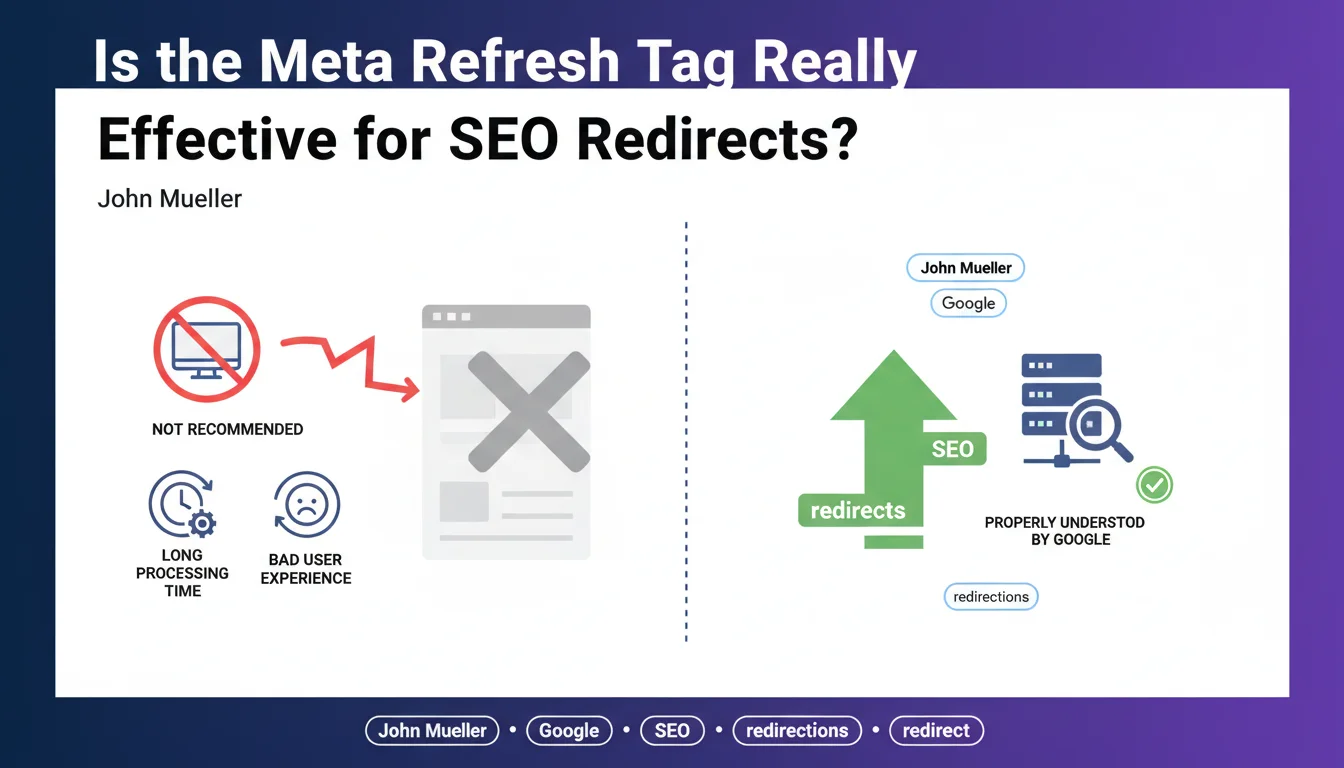
John Mueller recently clarified this position by confirming on Twitter that Google does understand and effectively processes this tag as a functional redirect. However, two major limitations persist: a degraded user experience and longer processing time by Google's crawlers.
Why is this redirection discouraged despite actually working?
The main issue lies in the processing delay. Unlike a 301 redirect that executes instantly at the server level, the meta refresh requires the complete HTML page to load before triggering the redirection.
From a user perspective, this creates noticeable latency and a less smooth experience. For search engines, it extends the crawl time and can impact crawl budget efficiency on large sites.
What about PageRank transfer with this method?
John Mueller did not explicitly confirm whether the meta refresh transfers PageRank. Nevertheless, by indicating that Google treats it as a "normal redirect," we can reasonably deduce that a link equity transfer is likely.
- Google recognizes and understands the meta refresh tag as a redirect
- Two major drawbacks: poor UX and extended processing time
- The 301 redirect remains Google's official recommendation
- PageRank transfer is not officially confirmed but probable
- Potential impact on crawl budget for large-scale sites
SEO Expert opinion
Is this statement consistent with practices observed in the field?
After 15 years of SEO experience, I can confirm that meta refresh redirects do indeed function in practice. I've observed across multiple projects that Google follows these redirects and properly indexes the destination pages.
However, the important nuance lies in relative efficiency. Comparative tests consistently show that 301 redirects are crawled and consolidated more quickly, typically within a few days versus several weeks for a meta refresh.
In what specific cases might this method still make sense?
There are a few specific technical situations where meta refresh remains a viable option. For example, when a site owner has no server access nor access to the .htaccess file, and can only modify the HTML code of pages.
It's also found in certain obsolete or restricted content management systems that don't allow configuring server-side redirects. In these limited cases, a meta refresh is better than no redirection at all.
What are the implications for site migration strategy?
In the context of a site migration or redesign, using meta refreshes would be a major strategic mistake. The risk of temporary traffic loss would be significantly increased due to Google's processing delay.
Moreover, the lack of official confirmation regarding complete PageRank transfer represents an unacceptable risk for a critical project. A migration must rely on proven methods that are officially recommended.
Practical impact and recommendations
What should you actually do with your current redirects?
If you're currently using meta refresh redirects, immediately audit your site to identify them. Use tools like Screaming Frog or custom scripts to automatically detect them.
Then, prioritize replacing them with permanent 301 redirects at the server level. Start with high-traffic pages and those receiving the most quality backlinks.
- Audit all your redirects to identify existing meta refreshes
- Systematically replace with server-side 301 redirects when possible
- Verify access to server configuration files (.htaccess, nginx.conf)
- Test each redirect after migration to confirm HTTP 301 status code
- Monitor Search Console for any post-migration crawl errors
- Document cases where meta refresh remains necessary due to lack of technical alternatives
What critical mistakes should you absolutely avoid?
Never implement new meta refresh redirects if you have access to server configuration. This practice can be perceived as a lack of technical professionalism.
Also avoid redirect chains that include meta refreshes, which multiply latency times and risk causing crawlers to abandon after multiple hops. Google recommends never exceeding 3 consecutive redirects.
How can you verify and optimize your current configuration?
Use HTTP testing tools like Chrome's Network Inspector or online services to verify the exact type of redirect implemented. An HTTP 200 status code followed by a redirection indicates a meta refresh.
For a professional and comprehensive approach, a complete technical audit of your redirect architecture is essential. This analysis should cover server, application, and HTML aspects.
💬 Comments (0)
Be the first to comment.