
Official statement
Other statements from this video 2 ▾
Google Search Console's URL Inspection Tool allows you to check if a page can be indexed, displays any structured data issues, and indicates which canonical URL has been selected. For SEOs, it's the first-level diagnostic tool — but it doesn't replace a deep analysis of server logs or a manual check of the SERPs. Note: the data displayed may lag several days behind the actual crawl.
What you need to understand
Why has this tool become essential for diagnosing indexing?
The URL Inspection Tool has established itself as the mandatory starting point for any technical SEO diagnosis. It provides access to Google's view on a specific URL: is it indexable, has it been recently crawled, are there blocking errors?
Specifically, it reveals if Google has detected obstacles to indexing — whether it's a misconfigured robots.txt file, a noindex tag, or an unexpected redirection. It is also the only place where you can force a recrawl via the "Request Indexing" button, although this function is limited to a few requests per day.
What specific information does the tool display about canonicalization?
The tool specifies which URL Google has chosen as the canonical version to represent a given piece of content. If you inspect URL A and Google shows URL B as canonical, it means your page A has been considered a duplicate.
This information is critical for detecting unintended canonicalization issues. You may find that Google is ignoring your self-referencing canonical tags and prefers another version — often due to URL parameters, http/https variations, or paths with/without trailing slashes.
How should you interpret the structured data and mobile errors displayed?
The tool lists the Schema tags detected on the page and flags syntax errors or missing properties. This is useful to verify that a properly marked up Schema Article is indeed recognized by Google.
On the mobile side, it flags issues with Mobile-First user experience: content too wide, text too small, clickable elements too close together. If a page is indexed but has mobile alerts, it's a sign that mobile-first indexing may be problematic.
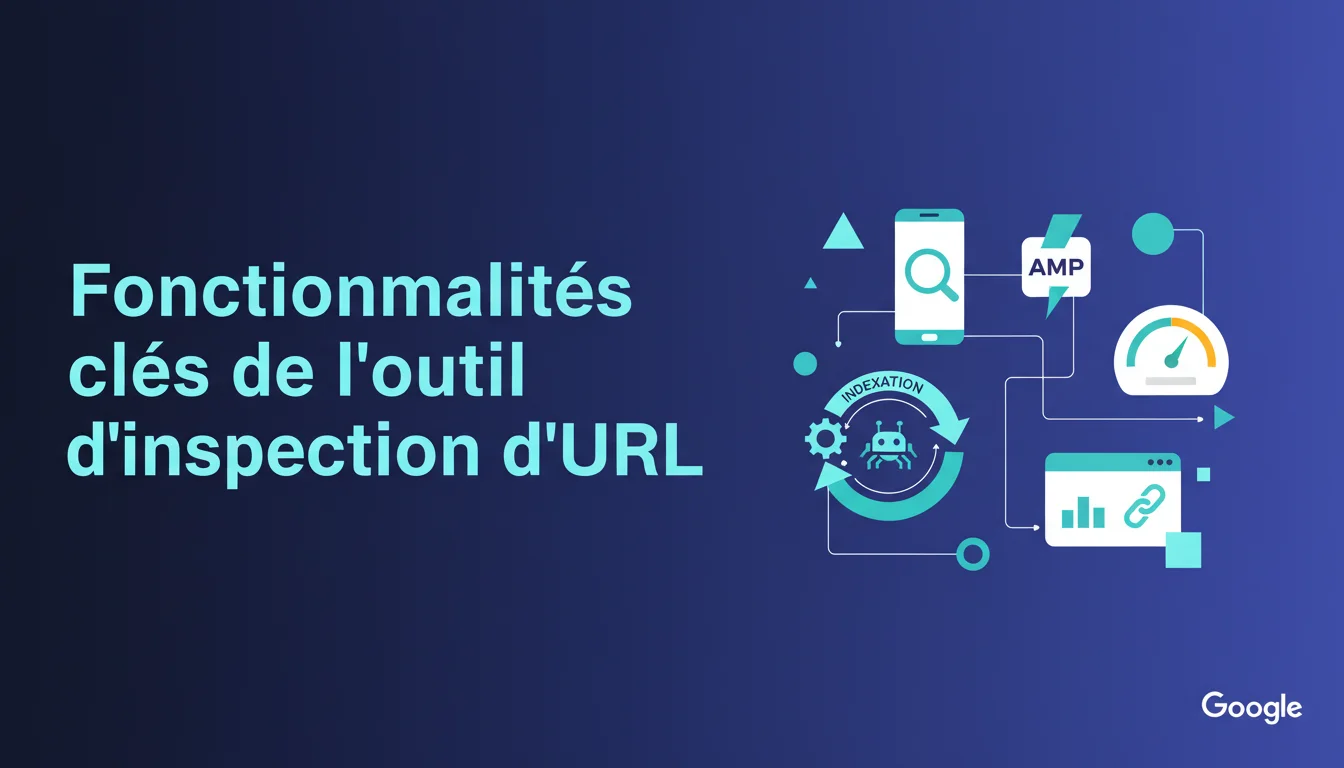
- Crawlability: the tool indicates whether Googlebot was able to access the page and if a blockage (robots.txt, 403, 500) prevented it.
- Indexability: it reveals if the page is eligible for indexing or excluded (noindex, canonical to another URL, soft 404).
- Selected canonical: shows which URL Google has chosen to index, even if it's not the one you specified.
- Detected structured data: lists the recognized Schema types and any validation errors.
- Mobile and AMP errors: flags mobile experience defects or markup problems with AMP if applicable.
SEO Expert opinion
Does this tool actually provide a real-time view of Google's index?
No, and this is a common misunderstanding. The data displayed by the URL Inspection Tool comes from the last crawl recorded by Google, which may be several days or even weeks old for infrequently visited pages. You can modify a page today and see that the tool still shows the old version for 72 hours.
The "Test Live URL" button allows you to force an instant crawl, but this crawl is only a simulation: it checks if the page is currently accessible and compliant, without guaranteeing that Google will index it quickly. In practice, even after a successful test and a request for indexing, the actual time to update in the index can range from a few hours to several days. [To be verified] on sites with low authority where the crawl budget is rationed.
Are canonicalization information always reliable?
In most cases, yes — but I've observed discrepancies between what the tool displays and what is actually indexed in the SERPs. Sometimes, Google indicates that it has chosen URL B as canonical, while a site: shows that URL A is still present in the index.
Let’s be honest: Google applies multiple layers of canonicalization (canonical tag, redirections, on-page signals, backlinks). The tool reflects the decision made at the time of the last crawl, but this decision can change if new signals emerge — an external link pointing to URL A may lead Google to reconsider its choice.
Should you blindly trust the structured data errors reported?
The tool detects errors in JSON-LD or Microdata syntax, but sometimes it misses semantic inconsistencies. A technically valid Schema Article tag may contain an empty "author" field or an errant "datePublished" — the tool may not raise an alert, while Google could ignore the markup.
Conversely, some reported errors are minor and do not impact eligibility for rich snippets. If the tool indicates "recommended property missing", this doesn't mean your content is penalized — just that it could be enriched. Don’t mechanically correct all alerts: prioritize those that actually block display in the SERP.
Practical impact and recommendations
How can you use this tool to quickly audit a site after migration?
After a site migration, inspect a representative sample of URLs — homepage, key categories, strategic articles, product pages. Ensure that each migrated URL displays "URL present in Google" and that the selected canonical matches the new architecture.
If the tool indicates "Submitted URL not found (404)", it means your redirection file has a gap. If the canonical points to the old URL, it means you haven't updated your canonical tags in the database. Correct these errors as a priority before requesting mass indexing.
What errors should be corrected first?
Any URL showing "Excluded by noindex tag" when it should be indexed is an emergency. The same goes for "Blocked by robots.txt" on strategic pages. These blockages are often the result of staging errors or a forgotten parameter after going live.
Errors like "Soft 404" or "Page crawled, currently not indexed" are more insidious. Google accessed the page but deemed it not valuable — often due to thin content, internal duplication, or low-quality signals. In this case, enriching the content or adding relevant internal links can unlock indexing.
Should you always force indexing via the "Request Indexing" button?
No. This button is limited in volume (about 10-15 requests per day according to observations) and should be reserved for priority content: new high-value pages, critical fixes, newsworthy content.
Forcing the indexing of hundreds of URLs via this tool is counterproductive. Google favors its own algorithmic crawl anyway. If your internal linking is solid and your XML sitemap is well-configured, important pages will be crawled naturally within 48-72 hours. Reserve the inspection tool for emergencies or validation tests after corrections.
- Inspect a sample of critical URLs after each major technical change (migration, redesign, CMS change).
- Check that the displayed canonical matches the inspected URL — if not, correct the canonical tags or identify the source of the conflicting signal.
- Test the live URL before requesting indexing to ensure it's accessible and error-free.
- Prioritize correcting blockages from noindex or robots.txt on strategic pages before requesting a recrawl.
- Do not abuse the "Request Indexing" button — reserve it for priority content and limit to a maximum of 10 requests/day.
- Compare the tool's data with a site: in the SERPs to detect potential discrepancies between what is displayed and what is actually indexed.
❓ Frequently Asked Questions
L'outil d'inspection d'URL affiche "URL présente dans Google" mais je ne la trouve pas dans les résultats — pourquoi ?
Puis-je me fier aux données de couverture mobile affichées par l'outil ?
Combien de temps après avoir demandé l'indexation la page apparaît-elle dans l'index ?
L'outil indique une canonical différente de celle que j'ai mise en place — que faire ?
Les erreurs de données structurées affichées bloquent-elles l'indexation de la page ?
🎥 From the same video 2
Other SEO insights extracted from this same Google Search Central video · duration 4 min · published on 23/01/2020
🎥 Watch the full video on YouTube →
💬 Comments (0)
Be the first to comment.