
Official statement
Other statements from this video 2 ▾
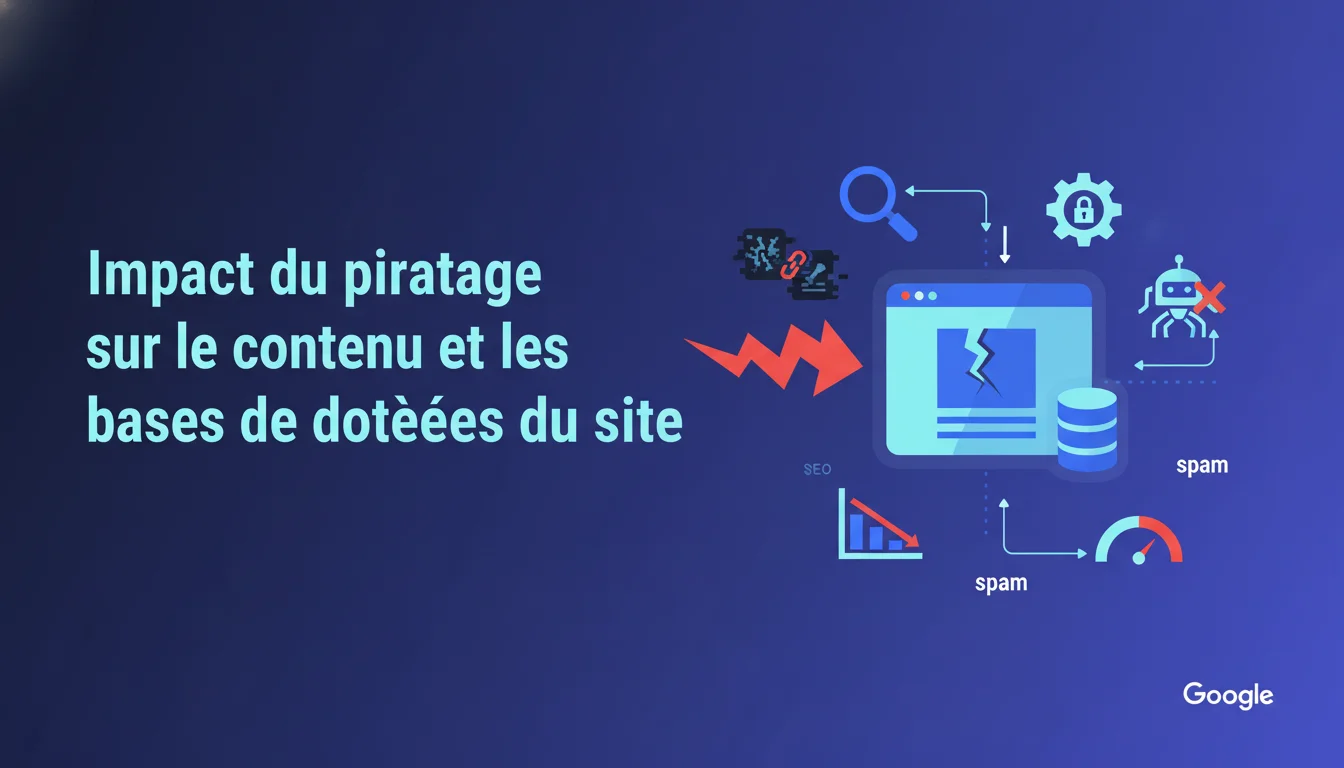
Google confirms that hacking can alter existing pages, inject spam, or install backdoors. For an SEO, this means that a superficial audit is not enough: every file and database record must be checked. The stakes are twofold: secure the site AND maintain its authority in the index, as Google can downgrade or deindex infected pages.
What you need to understand
Why does Google emphasize file-by-file analysis?
A SEO hack is never limited to a single compromised page. Hackers typically deploy scripts that automatically modify dozens or even hundreds of files. Some inject spam content directly into PHP templates, while others create satellite pages invisible to the user but crawled by bots.
The database is often the primary vector. A hacker can insert malicious shortcodes into posts, modify metadata, or alter the wp_options tables to redirect traffic. If you only clean visible files, you leave the door open for reinfection within hours.
What is a backdoor and why is it critical?
A backdoor is an apparently harmless PHP file that allows the hacker to regain control of the site at any time. These files are often misleadingly named (update.php, cache.php, wp-content.php) and placed in less monitored directories like /wp-includes/ or /uploads/.
The danger for SEO? Google detects these anomalies through its behavioral analysis. If your site suddenly generates thousands of cloaked pages redirecting to online pharmacies or casinos, you risk a massive downgrade. Some sites lose 80% of their organic traffic within 48 hours after an untreated attack.
What is the difference between visible hacking and stealth hacking?
A visible hack distorts your site, displays clear messages, or redirects all visitors. It’s brutal but easy to detect. A stealth hack, much more insidious, only affects certain user agents: Googlebot sees spam while your visitors see your legitimate content. This is classic cloaking.
Google Search Console sometimes reports these attacks through security warnings, but not always. Some sites remain infected for months without notification, gradually losing positions on their strategic queries without understanding why.
- Check every file of the WordPress core, themes, and plugins — not just modification dates
- Inspect the database table by table, looking for suspicious base64 encodings or eval() scripts
- Check .htaccess and wp-config.php files for redirects or code injections
- Analyze server logs to identify malicious IPs and abnormal access patterns
- Restore from a clean backup if the infection is too deep, rather than attempting a rough manual clean-up
SEO Expert opinion
Is this recommendation realistic for a medium-sized site?
Let's be honest: analyzing every file on a WordPress site with 30 plugins, 3 themes (of which 2 are inactive but still present), and 5000 articles takes dozens of hours. Google knows this perfectly. This statement is less a manual than a warning: if you neglect this step, you’re taking a major risk.
In practice, automated tools like Wordfence or Sucuri detect 70-80% of common infections. The problem lies in the remaining 20%: custom backdoors, targeted SQL injections, or subtle modifications in legitimate code. These cases require manual analysis by someone skilled in PHP and capable of differentiating a malicious eval() from a functional eval(). [To be verified] on the actual detection rates of public tools.
What is Google's stance on sites that clean up too slowly?
Google does not wait. If your site spreads pharmaceutical spam to Googlebot for 3 weeks, you will be downgraded, period. The reconsideration request in Search Console sometimes speeds up the process, but some sites take 6 months to recover their traffic even after a complete cleanup.
The real problem? Google never provides precise criteria for lifting a penalty related to hacking. Some SEOs have seen sites reinstated in 48 hours, while others are still waiting 4 months later with an impeccable security audit. This opacity is frustrating because it makes any reliable predictions impossible.
In what cases is partial cleaning sufficient?
Never. That’s the brutal but factual answer. A partial cleanup always leaves traces: a forgotten file in /tmp/, a base64 record in a custom table, an active malicious cron job. Modern hackers deploy automatic reinfection systems that trigger 72 hours after the first cleanup.
If you lack the time or skills for a thorough audit, it’s better to restore from a clean backup and reinstall properly. You might lose a few days of content, but you gain certainty. A partially cleaned site is a ticking time bomb for your SEO.
Practical impact and recommendations
What should you do immediately after detecting a hack?
Isolate the site first and foremost. Go into maintenance mode or temporarily disable it to prevent Google from continuing to crawl infected pages. Every second that Googlebot indexes spam degrades your authority. At the same time, change all passwords: FTP, database, WordPress admin, hosting.
Next, download a complete copy of the files AND the database. You will need this baseline to compare with a clean version. Do not delete anything before you have this backup, even if you panic: some infected files contain valuable clues about the intrusion method.
How do you identify compromised files without a paid scan?
Start by comparing the MD5 checksums of your WordPress core with those of the official version. Any file with a different hash is suspicious. For plugins and themes, check modification dates: a file modified at 3 AM while no one has touched the site is an obvious red flag.
In the database, look for patterns: eval(base64_decode, gzinflate, str_rot13, or suspicious encoded URLs. A simple SQL query on wp_posts with LIKE '%eval%' often reveals injections in the content. The wp_options and wp_postmeta tables are also prime targets.
What mistakes should you avoid during cleanup?
Never clean in production without a backup. Some SEOs panic and start deleting files at random, which worsens the situation. If you break a legitimate core file, you turn a security problem into a downtime issue, and Google hates down sites.
Another common mistake: focusing solely on PHP files. Hackers also inject code into seemingly harmless JavaScript files, or in images containing executable code through server vulnerabilities. A complete audit must cover all file types, not just the usual suspects.
- Put the site in maintenance mode and temporarily block Googlebot's access
- Fully back up files AND database before any manipulation
- Compare the WordPress core checksums with the corresponding official version
- Search the database for suspicious patterns (eval, base64, gzinflate, etc.)
- Check .htaccess files, wp-config.php, and all /uploads/ directories for hidden PHP files
- Submit a reconsideration request in Google Search Console once the cleanup is complete and verified
❓ Frequently Asked Questions
Combien de temps faut-il pour nettoyer complètement un site WordPress piraté ?
Google désindexe-t-il automatiquement les pages infectées ou faut-il le demander ?
Un plugin de sécurité gratuit suffit-il pour détecter toutes les infections ?
Faut-il changer d'hébergeur après un piratage ?
Peut-on récupérer son trafic SEO après une pénalité pour piratage ?
🎥 From the same video 2
Other SEO insights extracted from this same Google Search Central video · duration 5 min · published on 12/03/2013
🎥 Watch the full video on YouTube →
💬 Comments (0)
Be the first to comment.