
Official statement
What you need to understand
What is Google's official stance on 404 errors?
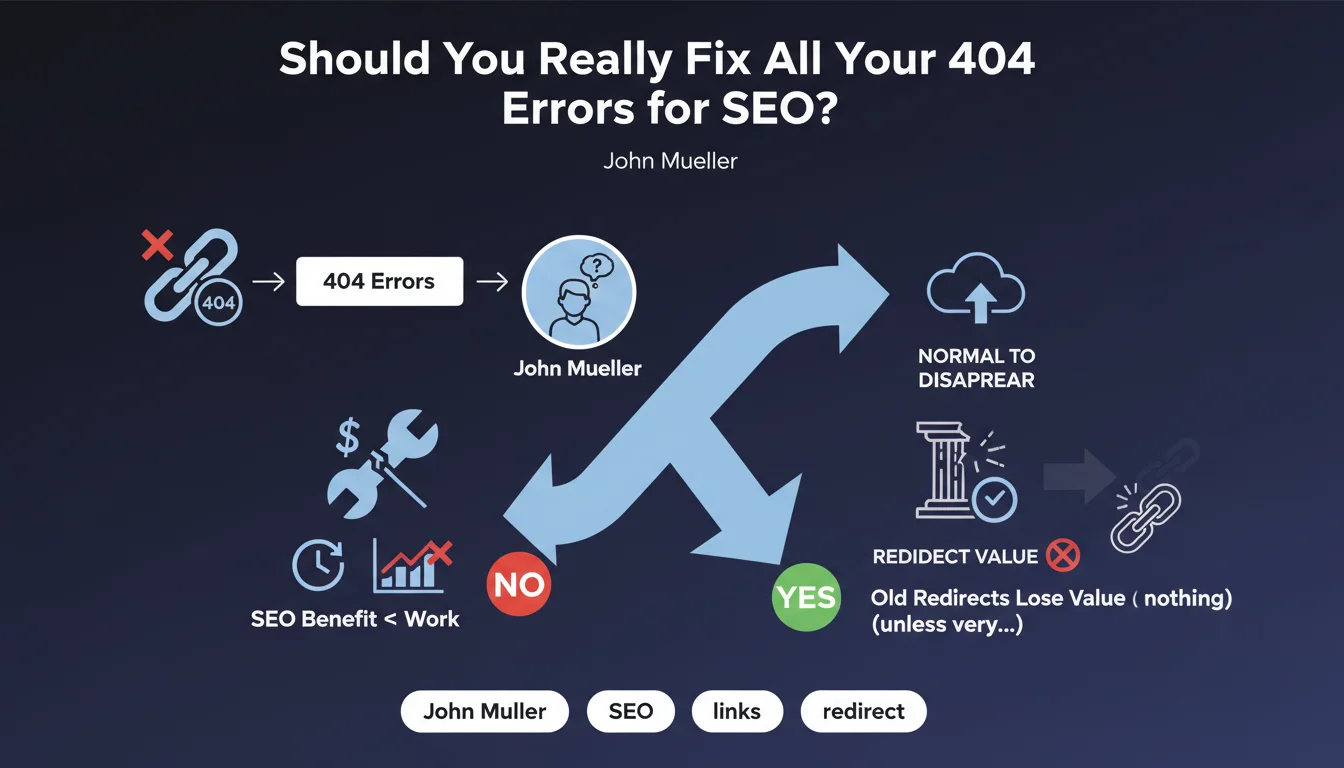
Google, through John Mueller, confirms that systematically fixing 404 pages isn't necessary. These errors are part of the natural lifecycle of a website.
According to him, the effort invested in restoring disappeared pages or creating redirects often exceeds the actual SEO benefit you'll get from it. Google considers it normal for pages to disappear over time.
Why does Google downplay the importance of 404s?
Search engines understand that the web is dynamic. Products go out of stock, content becomes obsolete, site structures evolve.
A clean 404 error is a clear signal for Googlebot: this resource no longer exists. It's a legitimate HTTP response that doesn't penalize your site as a whole.
What happens to the value of old broken links when redirected?
Mueller clarifies a crucial point: old redirects can lose their value over time. A redirect implemented late doesn't necessarily transfer the same SEO weight anymore.
Only redirects concerning pages with really very strong backlinks truly deserve the restoration effort. For others, the impact is marginal.
- 404s are normal in the natural evolution of a site
- The cost of fixing often exceeds the actual SEO benefit
- Late redirects lose their effectiveness over time
- Only pages with powerful backlinks justify action
- A clean 404 is not a penalty for your site
SEO Expert opinion
Does this statement align with observed practices in the field?
This position from Google indeed reflects what we observe as SEO consultants. Sites with thousands of 404s don't necessarily lose rankings if their active content remains high-quality.
However, there's an important nuance: Mueller is talking about excessive effort, not total inaction. He suggests a pragmatic approach rather than systematic and time-consuming correction.
When should you absolutely address 404 errors?
Not all 404s are created equal. A page with powerful inbound links from authoritative sites deserves immediate attention. The ROI calculation becomes positive.
Similarly, pages returning 404 errors that are accessible from your internal navigation or linking structure must be fixed. They degrade user experience and generate negative signals.
What nuances should an SEO expert bring to this advice?
Your site's context changes everything. An e-commerce site with thousands of deleted products must manage its 404s differently than a blog where a few articles have been removed.
Volume also matters. 50 404 errors on 500 pages raises questions about your content strategy. 500 errors on 50,000 pages can be perfectly normal.
Finally, age plays a role. A recent 404 on a page that had organic traffic deserves investigation. A 5-year-old 404 without backlinks can be ignored.
Practical impact and recommendations
How can you identify the 404s that truly deserve your attention?
Start by extracting your 404 errors from Google Search Console. Cross-reference this data with your analytics tool to identify which ones were generating traffic recently.
Use tools like Ahrefs or Majestic to check which 404 pages still have active backlinks. Focus your efforts only on those with quality links.
What strategy should you adopt to effectively manage your 404s?
Rather than fixing everything, establish clear prioritization. Sort your 404s into three categories: critical, medium, negligible.
For critical 404s with powerful backlinks, create 301 redirects to the most relevant content. For others, accept that they're part of your site's natural ecosystem.
What mistakes should you avoid when managing disappeared pages?
Never create mass redirects to the homepage. This is a counterproductive practice that dilutes your architecture and frustrates users.
Also avoid restoring mediocre content solely to eliminate a 404. Quality always trumps quantity in modern SEO.
- Audit your 404s via Google Search Console and identify their volume
- Analyze the backlinks pointing to your error pages
- Prioritize only 404s with powerful links or recent traffic
- Create 301 redirects to relevant content, never to the homepage
- Clean up your internal linking to avoid pointing to 404s
- Accept that a certain volume of 404s is normal and healthy
- Document your strategy for future maintenance
- Monitor quarterly evolution rather than daily
💬 Comments (0)
Be the first to comment.