
Official statement
Other statements from this video 2 ▾
Google emphasizes a fundamental distinction: submitting a Sitemap helps discover new URLs and define the canonical version, but it does not force crawling or indexing. In practice, a site can have a perfect Sitemap and still see pages ignored for months. The key priority remains the quality of content and technical architecture: if Google sees no value or encounters blocks, the Sitemap won’t change anything. The key action? Audit why certain URLs are not being crawled, rather than just increasing submissions.
What you need to understand
What’s the real difference between crawling and indexing?
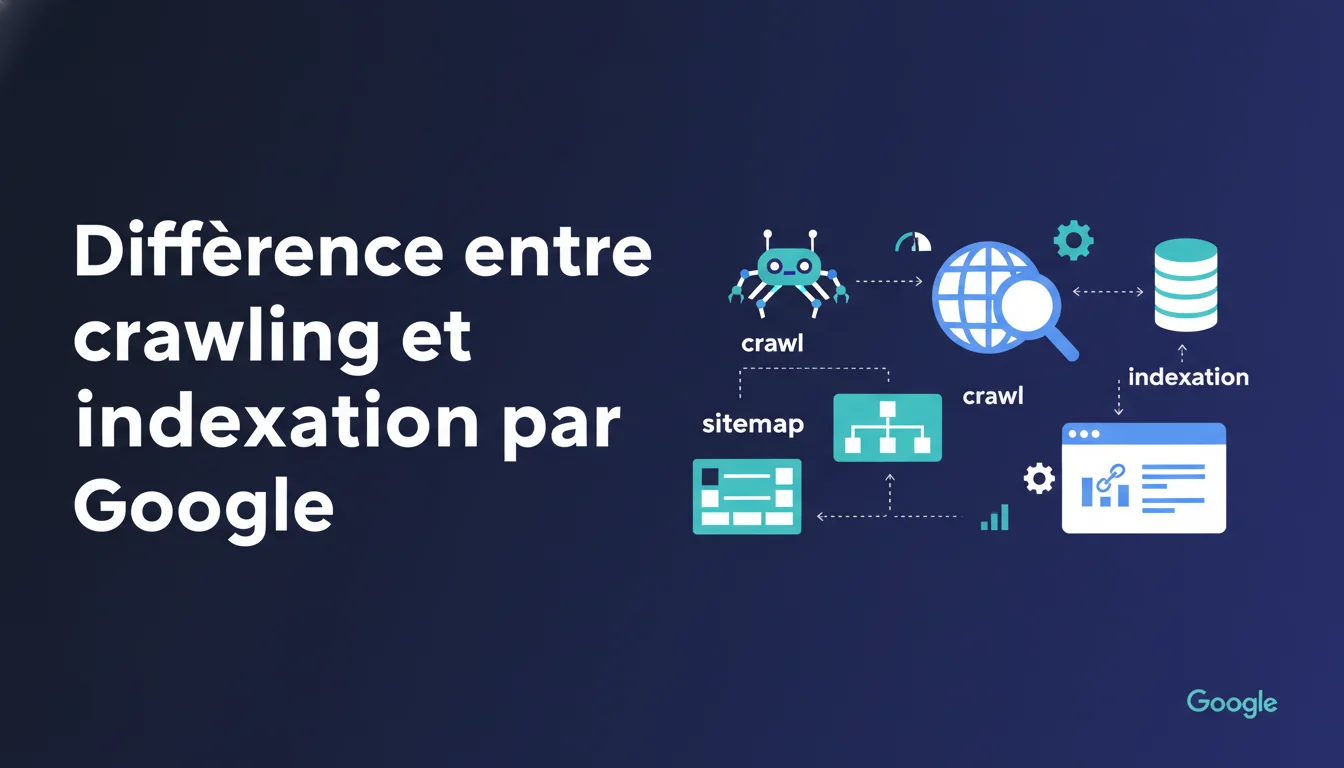
Crawling refers to Googlebot visiting a page: the bot downloads the HTML, analyzes resources, and follows links. It's the recognition phase. Indexing occurs afterward: Google decides whether the page deserves a spot in its index, meaning whether it can appear in search results.
A page can be crawled without being indexed. This happens frequently: duplicate content, insufficient quality, noindex directives, or robots.txt blocking certain critical resources. Conversely, an already indexed page may not be crawled regularly if Google believes it changes little or loses interest.
Why doesn’t a Sitemap guarantee crawling?
Google uses the Sitemap as a suggestion, not as an order. Submitting a URL signals its existence and helps Google discover deep or orphaned content. But the bot prioritizes based on its own algorithm: site popularity, content freshness, perceived quality, and available crawl budget.
If your site has a low crawl budget (lack of authority, few backlinks, inactive content), Google may ignore hundreds of URLs even if they are in the Sitemap. Submission doesn’t magically increase the resources allocated by Googlebot. It’s a common mistake to believe that a Sitemap compensates for a site’s structural weaknesses.
How does the Sitemap aid in canonicalization?
When Google detects multiple versions of the same page (URL parameters, www vs non-www, HTTP vs HTTPS), it must choose the canonical version to index. The Sitemap plays a role by explicitly signaling the preferred URLs of the site owner.
But this signal is not absolute. Google cross-references this information with others: the canonical tags, 301 redirects, internal links, and backlinks pointing to a specific version. If your signals contradict (the Sitemap indicates one URL, but all your internal links point to another), Google will choose based on its own logic, often favoring the more linked version.
- Crawling is Googlebot’s visit, indexing is the decision to store the page in the index.
- A Sitemap helps with discovery and indicates your preferred URLs, but doesn’t force crawling or indexing.
- Canonicalization relies on multiple signals: Sitemap, canonical tags, redirects, internal links, and backlinks.
- The crawl budget limits the frequency and volume of crawled pages, regardless of the Sitemap's content.
- Submitting a Sitemap doesn’t compensate for a failing technical architecture or low-quality content.
SEO Expert opinion
Is this statement consistent with on-the-ground observations?
Absolutely. In practice, we regularly observe sites with perfectly structured Sitemaps and pages that remain uncrawled for weeks. Conversely, sites without a Sitemap but with a good internal linking structure and strong backlinks see their pages indexed quickly.
The key is to understand that Google manages a resource budget per site. If your technical architecture is solid, your content is high quality, and your popularity is high, the Sitemap simply speeds up discovery. But if these fundamentals are lacking, increasing Sitemap submissions won’t change anything. This is a reality that beginners often misunderstand.
What are the limitations of this statement?
Google remains vague on the exact criteria for prioritizing crawling. We know that the crawl budget exists, but Google never publishes clear metrics: how many pages per day for a site of X authority? How do backlinks compare to content freshness? [To be verified] with your own server log data.
Another unclear point is the concept of “canonicalization decisions.” Google states that the Sitemap helps, but does not clarify its actual weight against other signals. In practice, a poorly configured Sitemap (with canonicalized URLs pointing to other versions) can even create confusion. If your canonical tags contradict your Sitemap, Google will make a choice—often not the one you hoped for.
In what cases is the Sitemap truly useful?
The Sitemap excels in three scenarios: very deep sites (e-commerce with thousands of products), recent content that has not yet been linked, and low-popularity sites seeking to accelerate discovery. In these cases, it serves as a safety net to ensure Google doesn’t miss anything important.
But be cautious: if your Sitemap contains 10,000 URLs and Google only crawls 500 per month, the problem is not the Sitemap. It’s your crawl budget, your architecture, or the perceived quality of your pages. Focus first on these levers: improve internal linking, remove low-value content, and optimize loading speed. The Sitemap follows; it does not guide the strategy.
Practical impact and recommendations
What should you actually do with your Sitemap?
First, clean up your Sitemap. Only list the canonical URLs you actually want indexed: no redirects, no noindex pages, no duplicate content. A polluted Sitemap sends contradictory signals to Google and dilutes your crawl budget over unnecessary pages.
Next, ensure consistency with your other SEO signals. If your Sitemap declares a URL but your canonical tag points elsewhere, Google will decide—often not in your favor. Use server logs to identify the pages in the Sitemap that Google consistently ignores: this is an indicator of a structural problem (weak content, orphaned pages, or lack of popularity).
How can I optimize the crawl budget without relying on the Sitemap?
Internal linking remains the top lever. Each important page should be accessible within 3 clicks max from the home page, with descriptive anchors. Google follows internal links to allocate its crawl budget: a well-linked and contextual page will be crawled more often than an orphaned page listed in the Sitemap.
Remove or block low-value content: unnecessary filter pages, uninteresting archives, technical duplicates. The less time Google wastes on useless content, the more resources it allocates to strategic pages. The robots.txt and noindex tags should be used surgically to focus the crawl where it truly matters.
What mistakes should I absolutely avoid?
Never submit a Sitemap containing URLs with 404 errors or 301 redirects. Google wastes time crawling them, finds that they lead nowhere, and implicitly penalizes your crawl budget. Monitor your Search Console reports: if Google flags URLs as missing in your Sitemap, correct them immediately.
Another classic mistake: believing that submitting the same Sitemap multiple times speeds up crawling. It doesn’t work. Google crawls based on its own logic, and repeated submissions don’t influence anything. If a page isn’t being crawled after several weeks, look for the structural cause: lack of internal links, content too similar to other pages, or simply lack of site authority.
- Clean up your Sitemap: only canonical, indexable URLs, without redirects or errors.
- Check the consistency between the Sitemap, canonical tags, and internal links to avoid contradictory signals.
- Analyze server logs to identify the pages in the Sitemap ignored by Googlebot and understand why.
- Optimize internal linking: each strategic page should be accessible within 3 clicks max with descriptive anchors.
- Remove or block (robots.txt, noindex) low-value content to concentrate the crawl budget on essentials.
- Never submit URLs with 404 errors or redirects in your Sitemap: it unnecessarily dilutes the crawl budget.
❓ Frequently Asked Questions
Le Sitemap influence-t-il vraiment la canonicalisation ?
Pourquoi certaines URLs du Sitemap ne sont jamais crawlées ?
Faut-il retirer les URLs crawlées du Sitemap pour forcer Google à prioriser d'autres pages ?
Combien de temps Google met-il pour crawler une nouvelle URL dans un Sitemap ?
Le Sitemap peut-il compenser un maillage interne défaillant ?
🎥 From the same video 2
Other SEO insights extracted from this same Google Search Central video · duration 1 min · published on 06/03/2009
🎥 Watch the full video on YouTube →
💬 Comments (0)
Be the first to comment.