
Official statement
What you need to understand
What's the real difference between href and data-href for links?
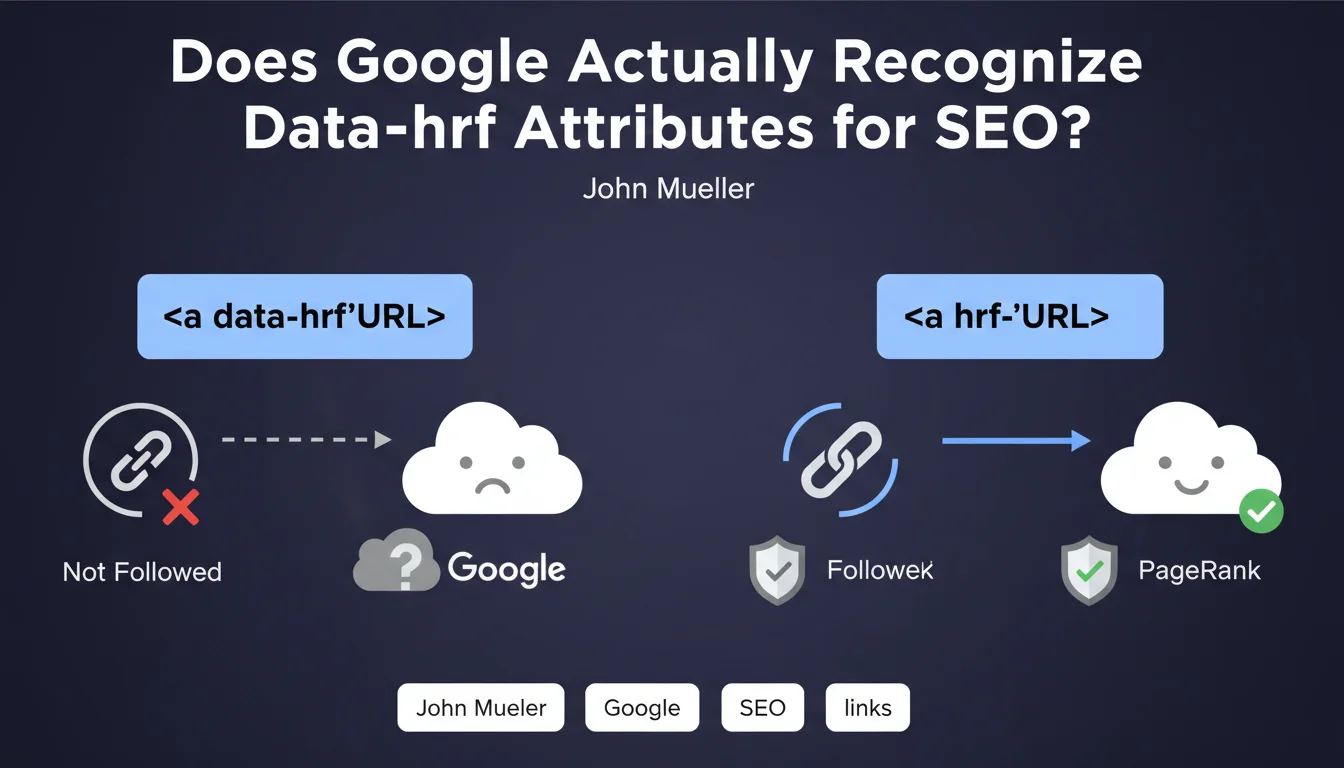
The href attribute is the standard HTML attribute that defines the destination of a hyperlink in an <a> tag. Google follows these links to discover pages and transmit PageRank.
The data-href attribute, on the other hand, is a custom data attribute (data-*) often used in JavaScript to store a URL without creating a functional HTML link. Google explicitly confirms that it does not interpret these attributes as links.
Why do some developers use data-href instead of href?
Developers sometimes use data-href for technical reasons: managing navigation via JavaScript, creating clickable elements with custom behavior, or strict control of user interactions.
This approach may seem convenient from a development perspective, but it creates a complete disconnect with SEO. Crawlers can neither follow these links nor transmit authority.
What are the key takeaways from this statement?
- Only links with an href attribute are recognized and followed by Google
- <a data-href="URL"> tags transmit no PageRank
- These pseudo-links don't help with indexation or discovery of new pages
- An SEO-friendly link must imperatively use the <a href="URL"> syntax
- This rule applies even if JavaScript makes the link functional for users
SEO Expert opinion
Is this statement consistent with practices observed in the field?
Absolutely. For years, SEO tests and audits have confirmed that Google favors native HTML standards. Links built with data-href or other custom attributes have never appeared in link graphs.
This position from Google fits into a broader logic: promoting semantic and accessible HTML. A link with href works without JavaScript, is accessible to assistive technologies, and guarantees a robust user experience.
What nuances should be applied to this rule?
There are cases where JavaScript can transform an element with data-href into a functional link. Some CMSs or frameworks use it as an intermediate step before generating the final href.
However, for SEO, only what Googlebot sees during the initial crawl matters. If the href is not present in the rendered HTML, the link does not exist for Google, even if client-side JavaScript creates it afterward.
In what contexts does this href/data-href confusion most often appear?
This issue is frequently found in single-page applications (SPAs), complex navigation menus managed in JavaScript, and buttons styled as links. Front-end developers may prioritize technical flexibility at the expense of SEO.
Poorly configured custom content management systems and certain page builders can also generate this type of structure. A technical audit often reveals these anomalies in internal linking.
Practical impact and recommendations
How can you verify that your links are correctly structured for SEO?
Start by examining the raw HTML source code of your main pages. Search for all <a> tags and verify that they contain an href attribute with a valid URL.
Use the URL Inspection tool in Google Search Console to visualize the HTML as Googlebot sees it. Compare it with what you see in your browser to identify potential differences.
Tools like Screaming Frog or Sitebulb can crawl your site and identify clickable elements that don't use standard href. Pay particular attention to navigation menus and internal linking.
What mistakes should you avoid when implementing links?
- Never replace the href attribute with data-href, even temporarily
- Avoid links entirely managed by JavaScript without an HTML fallback
- Don't use onclick alone for navigation without a valid href
- Ensure that every important link contains an href from the initial page load
- Avoid frameworks or plugins that generate non-standard pseudo-links
- Systematically test server-side rendering for JavaScript applications
What should you actually do if your site uses data-href?
Identify all links using data-href via a complete technical crawl. Prioritize fixing links in strategic areas: main navigation, breadcrumbs, internal linking of priority content.
Work with your developers to replace data-href with href while preserving JavaScript functionality if necessary. Both attributes can coexist: href for SEO, data-href for additional functionalities.
💬 Comments (0)
Be the first to comment.