
Official statement
Other statements from this video 23 ▾
- 1:04 Why do so many websites sabotage themselves with poorly configured noindex tags and robots.txt?
- 1:36 Do technical errors really block your pages from being indexed?
- 2:07 Can indexing errors really make you lose all your Google traffic?
- 2:07 Can you really index a noindex page through a sitemap?
- 2:37 Is it true that robots.txt doesn't really protect your pages from Google indexing?
- 2:37 Why is robots.txt not enough to block the indexing of your pages?
- 3:08 Does Google really exclude all duplicate pages from its index?
- 3:08 Why does Google choose to exclude certain pages by marking them as duplicates?
- 3:28 Is the URL Inspection Tool truly enough to diagnose your indexing problems?
- 4:11 Can we really rely on the live version tested in the Search Console to anticipate indexing?
- 4:11 Should you really use the URL Inspection Tool to reindex a modified page?
- 4:44 Should you always request reindexing through the URL Inspection Tool?
- 4:44 How can you find out which URL Google has really indexed on your site?
- 4:44 How can you verify which version of your page Google has actually indexed?
- 5:15 Is Google really effective at handling structured data errors in URL Inspection?
- 5:15 How does Google actually detect errors in your structured data?
- 5:46 How can SEO hacking generate automatic pages stuffed with keywords on your website?
- 5:46 How does Google's security issues report shield your SEO from malicious attacks?
- 6:47 Why does Google emphasize real user data for measuring Core Web Vitals?
- 6:47 Does Google really rely on real-world data to assess Core Web Vitals?
- 8:26 Why don't all your pages show up in the Core Web Vitals report?
- 8:26 Why are your pages disappearing from the Core Web Vitals report in the Search Console?
- 8:58 Should you really use Lighthouse before every production deployment?
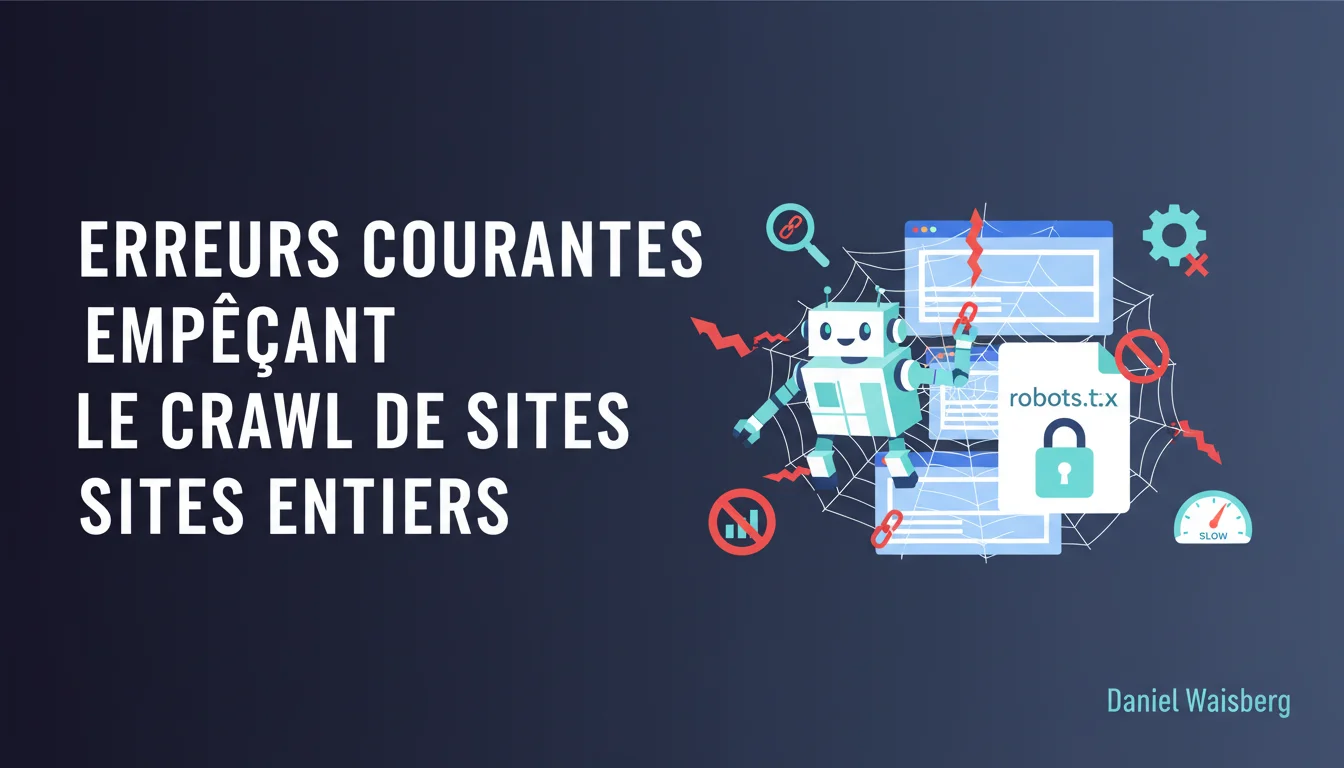
Google reminds us that a simple configuration error—like an accidental noindex across an entire site or a poorly calibrated robots.txt directive—can stop Googlebot from crawling hundreds or thousands of pages. These mistakes often go unnoticed for weeks, or even months, resulting in catastrophic impacts on organic traffic. Technical vigilance remains the first line of defense for any serious SEO.
What you need to understand
What types of errors really block Googlebot at the site level?
Google's statement targets two families of critical errors: accidentally deployed noindex meta tags across entire templates, and misconfigured robots.txt directives that prohibit access to strategic directories.
Take the classic case of noindex: a developer pushes a Wordpress or Shopify template to production with the noindex tag enabled in the staging environment. Result? Thousands of product listings become invisible to Google. The robots.txt often accidentally blocks critical resources—JS, CSS, or even entire sections of the site due to a mishandling of the Disallow directive.
Why do these errors have such a massive effect?
Because Googlebot strictly adheres to the technical instructions it's given. Unlike some third-party crawlers, there's no tolerance and no flexible interpretation. If the robots.txt says "Disallow: /", Googlebot stops dead—regardless of whether it was a typo.
The effect becomes "massive" because these errors rarely affect an isolated page. They propagate via templates, CMS configurations, or server rules that apply to hundreds or thousands of URLs. An e-commerce site can thus lose 80% of its indexed pages in a single failed technical update.
How do these errors go unnoticed?
Often due to a lack of systematic monitoring. Many SEO teams don’t check the Search Console daily or haven’t set up alerts for sharp declines in indexed pages. The error is deployed on a Friday night, and no one detects it until the following Monday—or even several weeks later when KPIs drop.
Another factor: the separation between dev and SEO teams. The developer pushing a change to robots.txt doesn’t always measure the SEO consequences. Without a strict validation process, human error becomes inevitable.
- Bulk noindex tags often come from poorly configured templates or failed migrations
- Robots.txt errors occur during server updates or mishandling of the Disallow directive
- Lack of daily monitoring leaves these critical errors invisible for days or weeks
- Poor coordination between dev/SEO is a major aggravating factor
- Google makes no exceptions: a technical directive is followed to the letter, even if it’s clearly unintentional
SEO Expert opinion
Is this statement consistent with field observations?
Absolutely. I've seen sites lose 90% of their organic traffic in 72 hours due to a global noindex mistakenly deployed after a migration. Google doesn’t forgive anything on these basic technical points. What’s interesting is that Google’s phrasing—“small errors can have a massive effect”—almost undermines the brutality of the impact.
In reality, these errors are only “small” from a coding perspective. One line in a robots.txt, that’s true. But the business impact can be catastrophic: loss of revenue, loss of hard-earned rankings, de-indexing of strategic pages. Calling it a “small error” is technically accurate but strategically misleading.
What nuances should we add to this statement?
Google cites two examples—noindex and robots.txt—but there are other vectors for massive errors. Misconfigured chain redirects, incorrect canonicals at the site level, or recurrent 5xx server errors have an equally devastating effect. Limiting the discussion to noindex and robots.txt ignores part of the spectrum.
Another nuance: Google doesn’t specify how long it takes to recover after correction. I’ve seen sites correct a global noindex and wait 3 to 6 weeks before regaining their initial indexing levels. It's not instant—and Google never makes this clear. [To be verified]: Is there an average recovery time documented by Google? No official data to date.
In what cases does this rule not apply?
There are situations where intentionally blocking entire sections via robots.txt or noindex is justified. For example, staging environments, internal search pages with infinite parameters, or intentionally isolated duplicated content. But these cases need to be documented and monitored.
The real danger is when a legitimate error in a dev environment gets propagated into production. Here, Google makes no distinction—intentional or accidental, the result is the same: massive de-indexing. Absolute vigilance is therefore required during deployments.
Practical impact and recommendations
What should you check immediately on your site?
First action: audit the robots.txt file line by line. Ensure that no Disallow directive accidentally blocks strategic directories—/products/, /blog/, /category/, etc. Test the robots.txt using the Search Console (robots.txt testing tool) to simulate Googlebot's behavior.
Second point: inspect the meta robots tags on a representative sample of templates. Use a crawler like Screaming Frog or Oncrawl to extract all the noindex tags present on the site. If you see thousands of pages with noindex while they should be indexable, you have a structural problem.
What mistakes to avoid during deployments?
Never push code to production that hasn't been audited for indexing directives. Implement a pre-deployment checklist including: checking the robots.txt, scanning the meta robots tags, and controlling the HTTP headers (X-Robots-Tag). A deployment without SEO validation is a ticking time bomb.
Avoid also modifying the robots.txt “on the fly” without a backup. A typo in a Disallow directive can de-index an entire site within hours. Always keep a saved version of the file, and test each modification in a staging environment before production.
How to continuously monitor these errors?
Set up alerts in the Search Console for sharp declines in indexed pages. If the number of indexed pages drops by more than 10% in 48 hours, it’s a red flag. Also use third-party tools (Oncrawl, Botify, Sitebulb) to regularly crawl your site and detect directive changes.
Implement automated monitoring of the robots.txt file. Some tools can alert you if the file content changes, enabling immediate reaction in case of unplanned modifications. Reactivity is critical: every hour counts when Googlebot is blocked.
- Audit the robots.txt and test each directive using the Search Console
- Crawl the site to identify all the existing noindex meta tags
- Set up a pre-deployment checklist that includes technical SEO validation
- Configure Search Console alerts for indexing drops
- Automate monitoring of changes in robots.txt
- Document all intentional blocking directives to avoid confusion
❓ Frequently Asked Questions
Combien de temps faut-il pour qu'un site récupère après avoir corrigé un noindex global ?
Peut-on détecter une erreur robots.txt avant que Google ne désindexe les pages ?
Les balises noindex dans les headers HTTP ont-elles le même effet que les meta noindex ?
Est-ce qu'un noindex temporaire de quelques heures suffit à désindexer un site ?
Peut-on bloquer Googlebot sur certaines pages tout en gardant l'indexation ?
🎥 From the same video 23
Other SEO insights extracted from this same Google Search Central video · duration 9 min · published on 06/10/2020
🎥 Watch the full video on YouTube →
💬 Comments (0)
Be the first to comment.