
Official statement
Other statements from this video 3 ▾
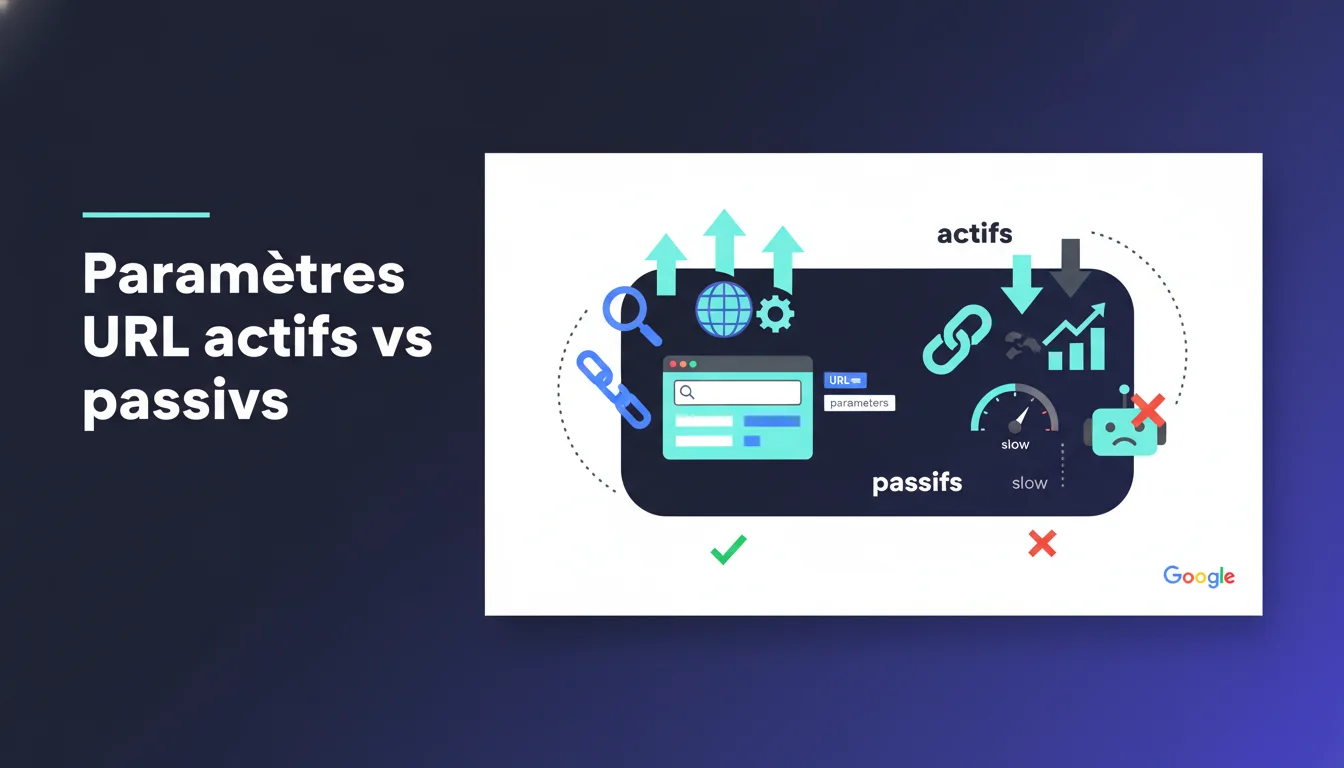
Google distinguishes between passive URL parameters (which do not affect content) and active ones (which modify it). Incorrect declarations in the URL Parameters tool of Search Console can cause Googlebot to ignore unique pages or crawl unnecessary duplicates. This distinction directly impacts crawl budget management and the risk of internal cannibalization.
What you need to understand
What is the real difference between an active parameter and a passive one?
A passive parameter does not alter the visible content of the page at all. It is generally used for tracking, display sorting, or cosmetic filtering. A typical example is ?utm_source=newsletter or ?sort=price which reorganizes products without changing their nature.
An active parameter substantially modifies what the user sees: category filtering, pagination, product variant selection. If ?color=red displays only red sneakers and ?color=blue displays blue ones, this parameter is active. Google needs to crawl these two URLs as distinct contents.
Why does Google emphasize this configuration in Search Console?
Because Googlebot allocates a limited crawl time to each site. If you declare an active parameter as passive, the bot ignores legitimate content variations. You lose indexing opportunities on pages that deserve to be referenced.
Conversely, declaring a passive parameter as active forces Google to crawl thousands of identical duplicates with different tracking codes. You waste crawl budget on noise, delaying the discovery of truly important pages.
Where do we configure these parameters in Search Console?
The URL Parameters tool was available in the old version of Search Console under Crawl > URL Parameters. In the new interface, Google has gradually removed this feature, pushing site owners to manage these aspects server-side via canonicals, robots.txt, or rewrite rules.
This evolution shows that Google prefers you to control the situation at the source rather than relying on a post-hoc declaration in a third-party tool. It's more reliable and avoids discrepancies between your intention and the reality of the code.
- Passive parameters: tracking, sessions, display sorting without content impact
- Active parameters: category filters, pagination, product variants, language or currency
- Incorrect declaration: risk of under-crawling (ignored unique pages) or over-crawling (unnecessary duplicates)
- Search Console Tool: now obsolete, prefer canonicals and server configuration
- Crawl budget: a rare resource, to be preserved by eliminating parameter noise
SEO Expert opinion
Is this active/passive distinction really applied by Googlebot today?
Yes, but with nuances. Google crawls in a probabilistic manner: it tests URLs with parameters, compares content, and adjusts its behavior. If two URLs with different parameters return strictly identical HTML, the bot eventually understands that the parameter is passive, even without explicit declaration.
The problem is the delay. This automatic discovery can take weeks or even months. During this time, you're burning crawl budget. [To be verified]: Google has never provided specific metrics on the learning speed of these parameter patterns. Field observations show gaps of 2 to 12 weeks depending on the size of the site.
What are the tangible risks of ignoring this distinction?
The first risk is parametric cannibalization. If you allow Google to index /product?ref=email, /product?ref=social, and /product as three distinct pages, you dilute internal PageRank and create algorithmic confusion. Google has to choose which version to rank, and this choice is never optimal.
The second risk is wasting crawl on large sites. An e-commerce site with 50,000 products and 10 tracking parameters can potentially generate 500,000 URLs. Googlebot will never crawl all of that in a reasonable timeframe. The result: your new categories or products remain invisible for weeks because the bot got lost in your UTM codes.
Is the Search Console tool sufficient to manage this issue?
No. And Google knows it, hence the gradual removal of the tool. Declaring a parameter in Search Console does not guarantee anything: it is a suggestion, not a directive. Googlebot can ignore it if it believes your declaration contradicts its observations.
The real solution involves server-side control: canonical tags on URLs with passive parameters, noindex on redundant filter combinations, and robots.txt rules to block obvious patterns. It's more reliable, and it does not depend on a third-party interface that may change or disappear.
Practical impact and recommendations
How to audit URL parameters on an existing site?
Your first step is to extract all indexed URLs via a site: query in Google Search Console or Screaming Frog. Filter the URLs with parameters and categorize them into families: tracking, sorting, filtering, pagination. Compare the HTML content between /page and /page?param=value using a diff tool. If the content is identical, the parameter is passive.
Next, check for canonical tags on the parameterized URLs. If /page?sort=price canonically points to /page, Google understands that the parameter is cosmetic. If no canonical exists, you let Google guess, which is risky.
What corrective actions should we prioritize first?
Start with tracking parameters: UTM, sessions, promo codes. These passive parameters are the most prolific and easiest to handle. Implement automatic canonicals server-side so that any URL with ?utm_* points to the clean version.
Then, address sorting and pagination parameters. For sorting, canonicalize to the default version. For pagination, use rel=prev/next or canonical to a “view-all” page if it exists. Be careful: pagination is an active parameter if each page contains unique products, but Google may choose to crawl only a few representative pages.
How to verify that the corrections are working?
Monitor the Coverage and Indexing reports in Search Console. If the number of indexed pages drops sharply after implementing canonicals, that’s normal: you have just deduplicated. If parameterized URLs continue to be indexed despite canonicals, check the syntax of your tags and the consistency of signals (canonical + sitemap + internal links).
Also utilize the crawl report to verify that Googlebot is no longer massively crawling the passive parameter URLs. A decrease in the number of requests with parameters in the server logs confirms that the strategy is working. This kind of diagnosis can be complex on multi-domain technical architectures or with poorly configured CMSs. If you lack internal resources or expertise to audit and correct these aspects, seeking help from a specialized SEO agency can provide personalized support and avoid costly errors in crawl budget.
- Extract and classify all URLs with parameters (tracking, sorting, filtering, pagination)
- Compare the HTML content of versions with/without parameters to identify the passive ones
- Implement automatic canonical tags server-side for passive parameters
- Configure rel=prev/next or canonical for pagination based on the volume of unique content
- Monitor the Coverage and Indexing reports in Search Console after deployment
- Analyze server logs to confirm the reduction of crawl on passive parameter URLs
❓ Frequently Asked Questions
Que se passe-t-il si je déclare un paramètre actif comme passif dans Search Console ?
Les balises canonical suffisent-elles à gérer tous les paramètres passifs ?
Faut-il bloquer les paramètres passifs dans robots.txt ?
Comment savoir si mes paramètres de pagination sont actifs ou passifs ?
L'outil URL Parameters de Search Console existe-t-il encore ?
🎥 From the same video 3
Other SEO insights extracted from this same Google Search Central video · duration 8 min · published on 13/11/2014
🎥 Watch the full video on YouTube →
💬 Comments (0)
Be the first to comment.