
Official statement
What you need to understand
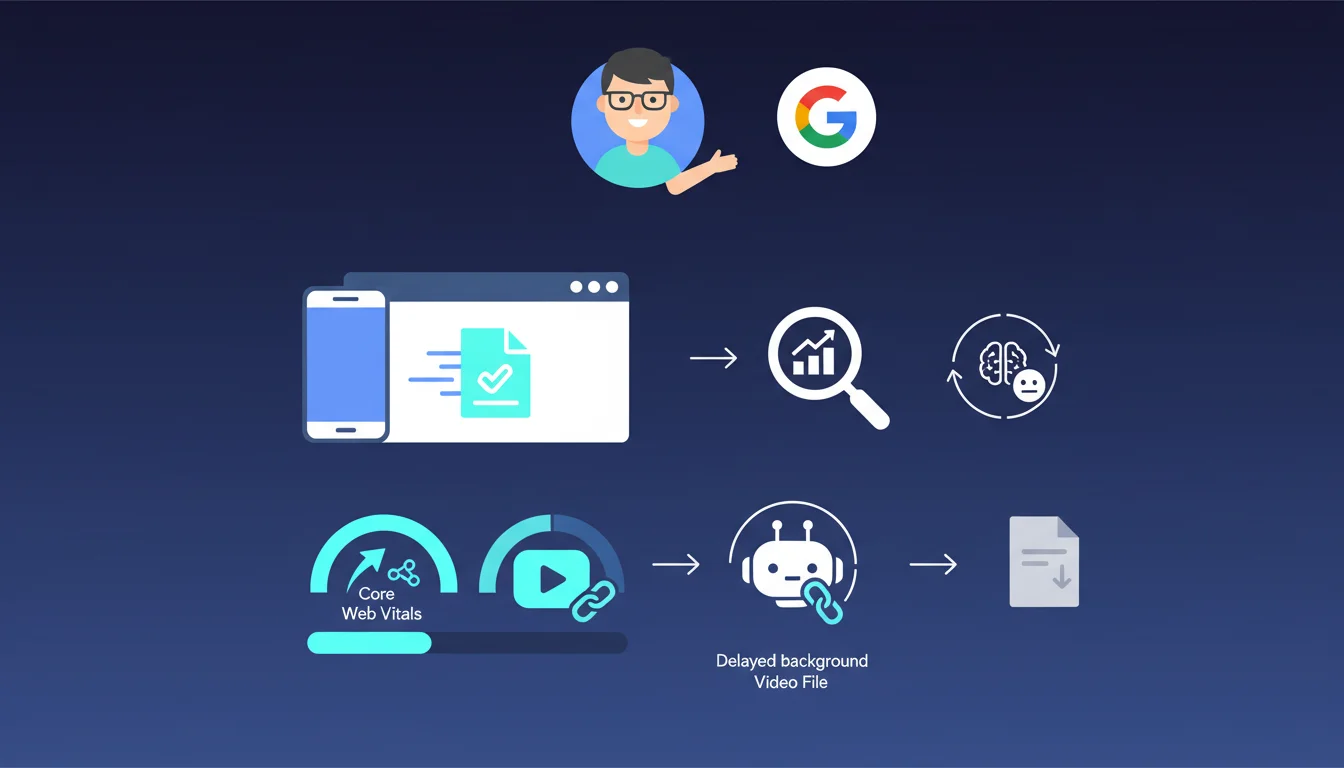
Google provides an important clarification here regarding the impact of heavy files on organic search rankings. The central idea is that the size of a background video does not directly penalize your SEO, provided that the user experience remains optimal.
Google's logic is based on a simple principle: what matters is the user's perception. If your main content (text, images, interactive elements) loads quickly, the fact that a decorative video continues loading in the background does not affect the page's evaluation.
This statement highlights the importance of Core Web Vitals, particularly LCP (Largest Contentful Paint) and CLS (Cumulative Layout Shift). Google measures how quickly the main content becomes visible and stable, not necessarily the total loading time of all elements.
- The size of a video file is not in itself an SEO penalty factor
- The loading order of elements is crucial for user experience
- Core Web Vitals measure perceived performance, not total loading time
- Main content must be readable and stable quickly, independently of decorative elements
SEO Expert opinion
This position from Google is consistent with the evolution of web standards and field observations. It reflects maturity in understanding modern site architecture, where asynchronous loading and resource prioritization have become the norm.
However, an important nuance must be added: this tolerance only applies if the technical implementation is correct. A poorly integrated heavy video can block the rendering of main content, monopolize bandwidth on mobile, or cause layout shifts.
Furthermore, if the video becomes the largest visible element (LCP), it then directly enters the Core Web Vitals calculation. The statement specifically concerns decorative background videos, not videos that constitute the main content.
Practical impact and recommendations
- Prioritize the loading of text content and main images before any decorative resources
- Implement lazy loading for background videos with the loading="lazy" attribute or appropriate JavaScript solutions
- Use the preload directive only for critical resources, never for decorative videos
- Optimize Core Web Vitals by ensuring that LCP is triggered on a real content element, not on the video
- Test on slow mobile connections (3G) to verify that the experience remains acceptable despite the video's size
- Compress your videos with modern codecs (VP9, H.265) to reduce size without sacrificing quality
- Offer adaptive formats and serve lighter versions on mobile when possible
- Monitor your metrics in Search Console and PageSpeed Insights after adding a background video
The key is to ensure that your main content remains performant independently of decorative elements. Background video can enhance the visual experience without compromising SEO, provided it is integrated with an intelligent loading strategy.
These technical optimizations, particularly fine-tuned management of loading priorities and thorough analysis of Core Web Vitals, require sharp expertise and rigorous testing. For sites with high commercial stakes, support from a specialized SEO agency enables the structured implementation of these best practices, while avoiding technical pitfalls that could negatively impact your performance.
💬 Comments (0)
Be the first to comment.